
The App
Digital Companion
Every town, every resupply and every big climb from Banff to Antelope Wells, in your pocket. It finds you on the route with GPS, keeps your journal, and works with no cell signal.
How it's used
Before, during and after the ride
Before
Plan the stops
- Pick your direction, southbound or northbound, and your units.
- Load the stores, cafés and services you're counting on, town by town.
- Watch the countdown to the Grand Départ.
During
Ride the route
- See where you are and how far it is to the next town or pass.
- Check hours and phone numbers before you roll into town.
- Write a line or snap a photo at each stop, and record each state you cross.
After
Keep the story
- Read your journal back in route order.
- Turn the year into a Race Recap for your Instagram Story.
- Export a backup of everything you saved.
Features
What's inside
Itinerary
Every town, in riding order
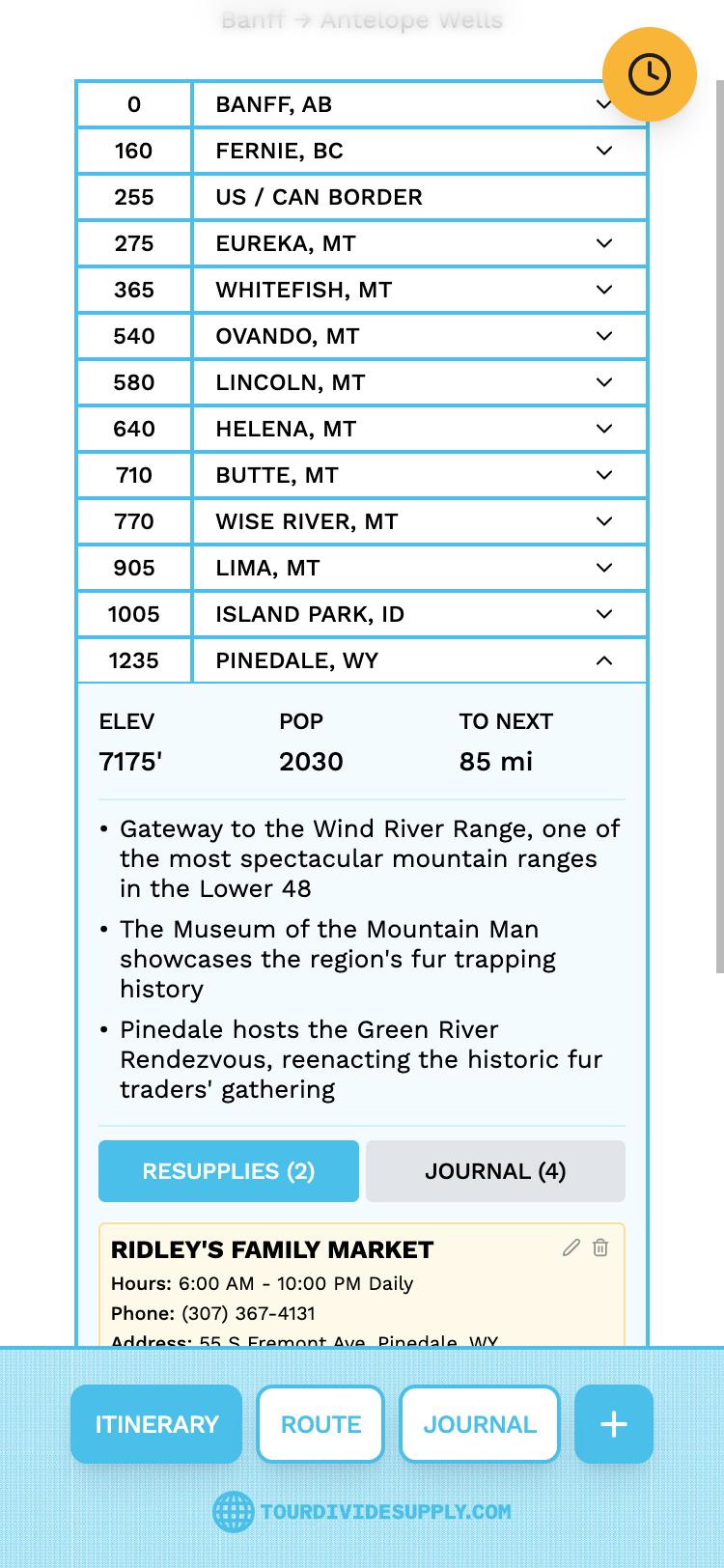
All 26 towns with their mileposts, plus the border crossing. Open a town for its elevation, population and the distance to the next one, along with the resupplies and journal entries you've saved there.
Riding northbound? The list and every milepost flip to count from Antelope Wells.
Mileposts are rounded to the nearest 5. What's 5 miles amongst friends and 2,745?
Route
Where you are, and what's next
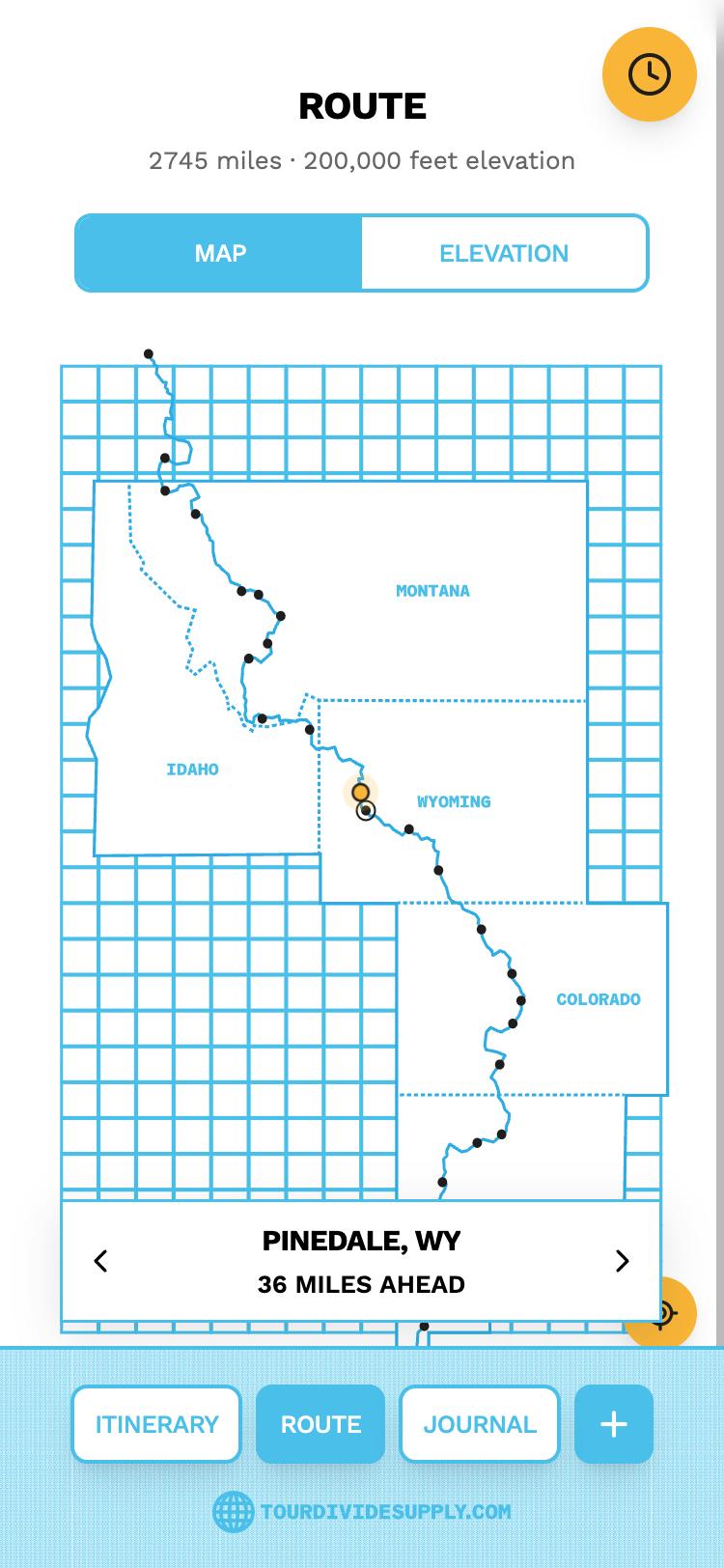
The route is drawn on a grid of 100 mile squares across five states. GPS puts you on it and the card tells you how far the next town is. If you've wandered off route, it tells you how far you are from the line.
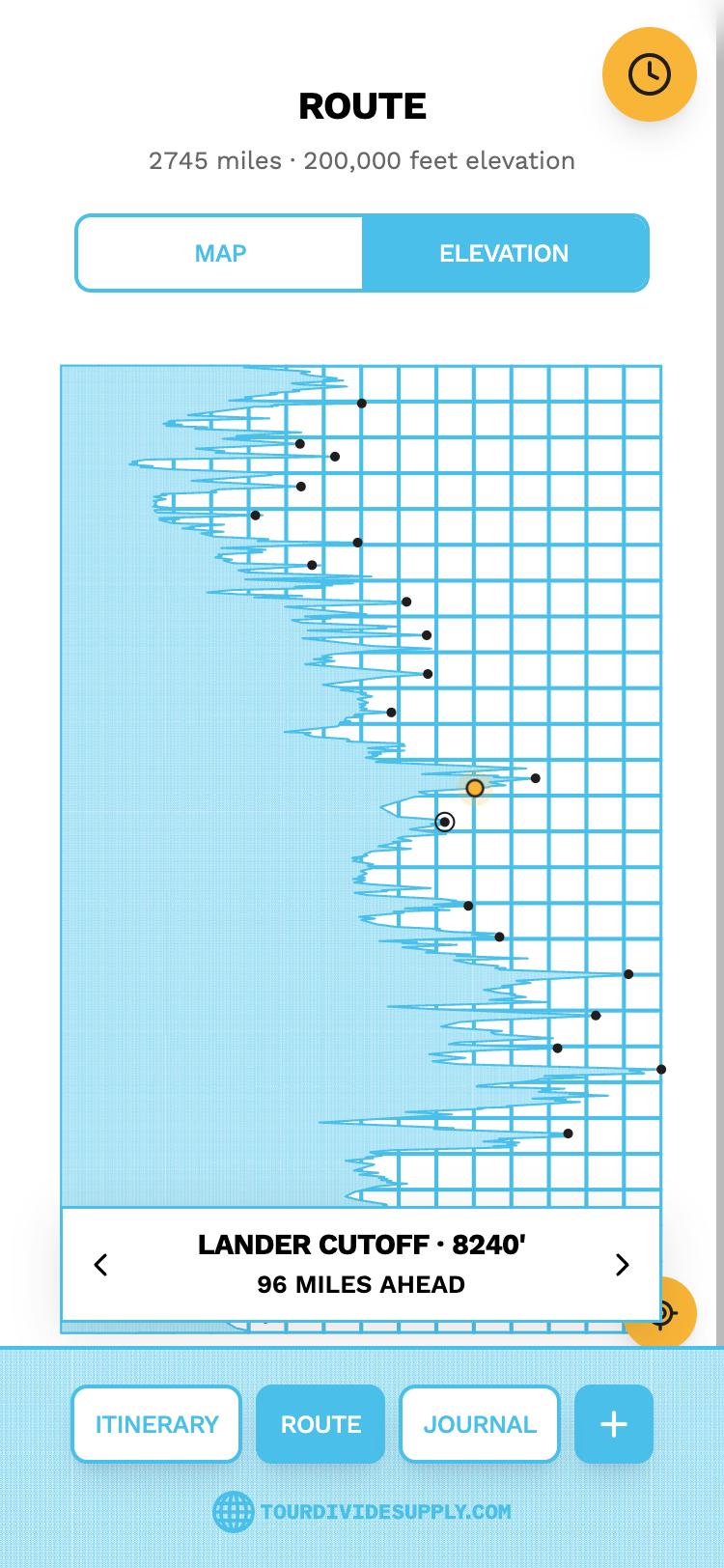
Switch to Elevation to step through 23 passes and climbs, from Koko Claims to Hachita Peak, each with its height and the distance to it.
Resupplies
Hours and numbers before you get there
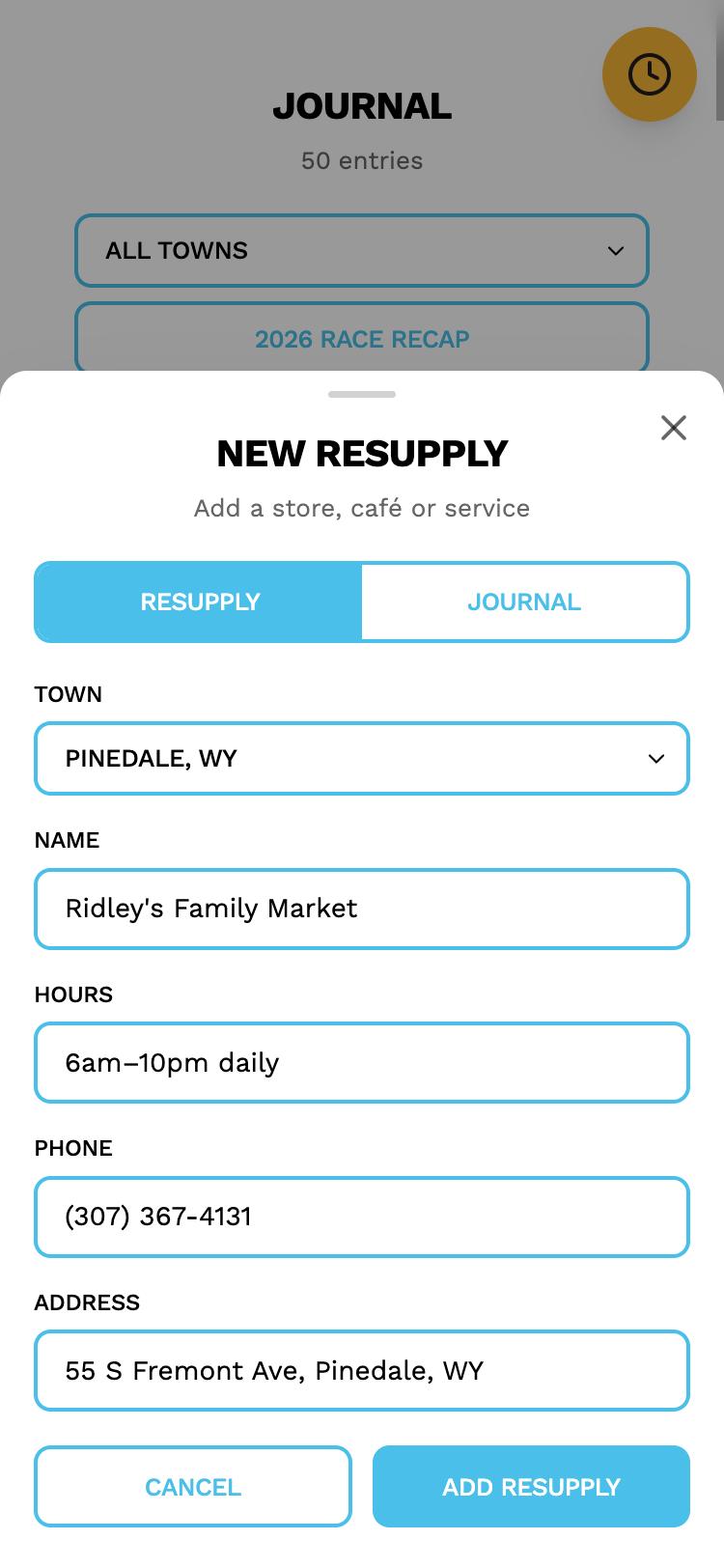
Save the store, café or service you're counting on in each town, with its hours, phone number and address. The app comes with 41 to start from, covering every town on the route.
Planning from a computer? Build your whole list with the Resupply Builder and import it in one go.
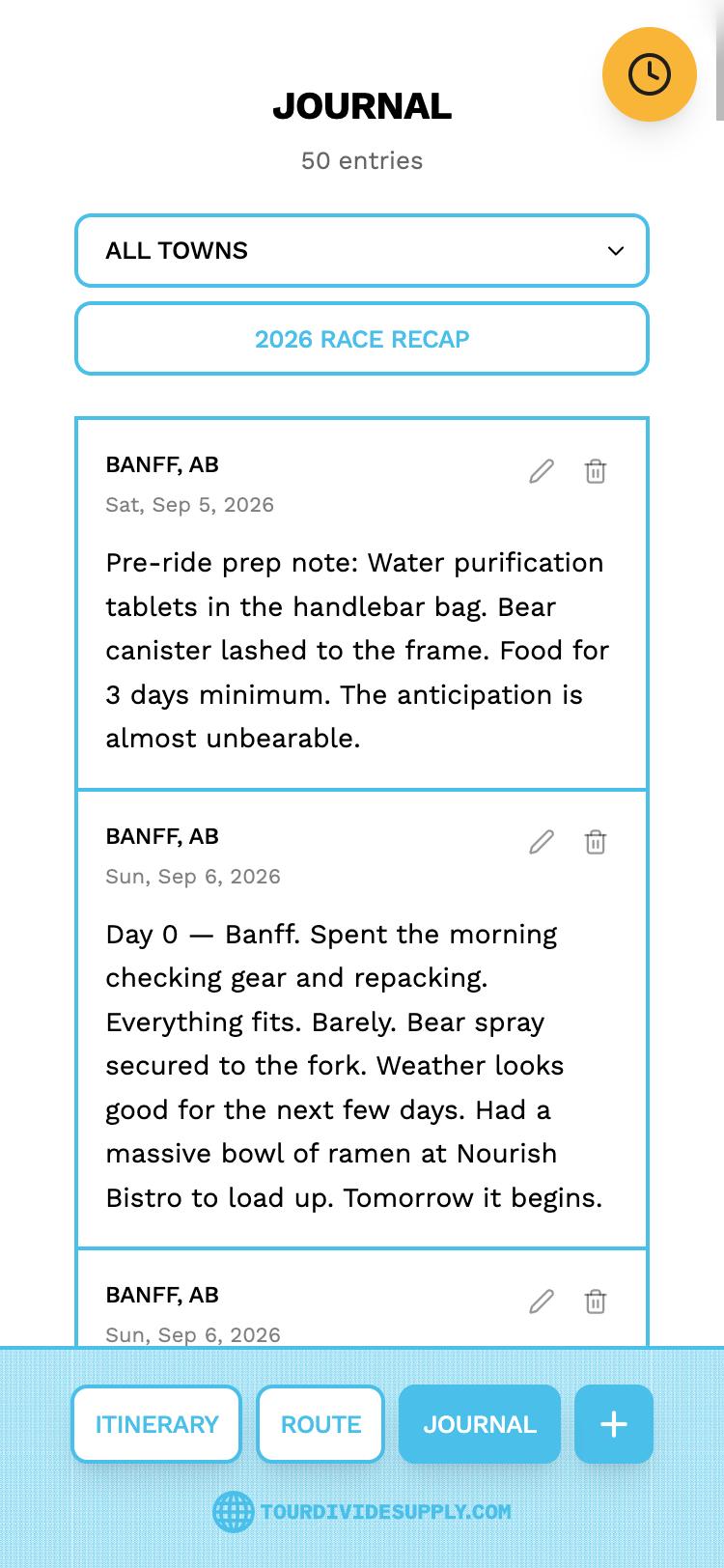
Journal
The parts that don't show up on Strava
Write an entry from any town, add a photo, or both. Entries read back in route order, and you can narrow them to a single town to see everything that happened there.
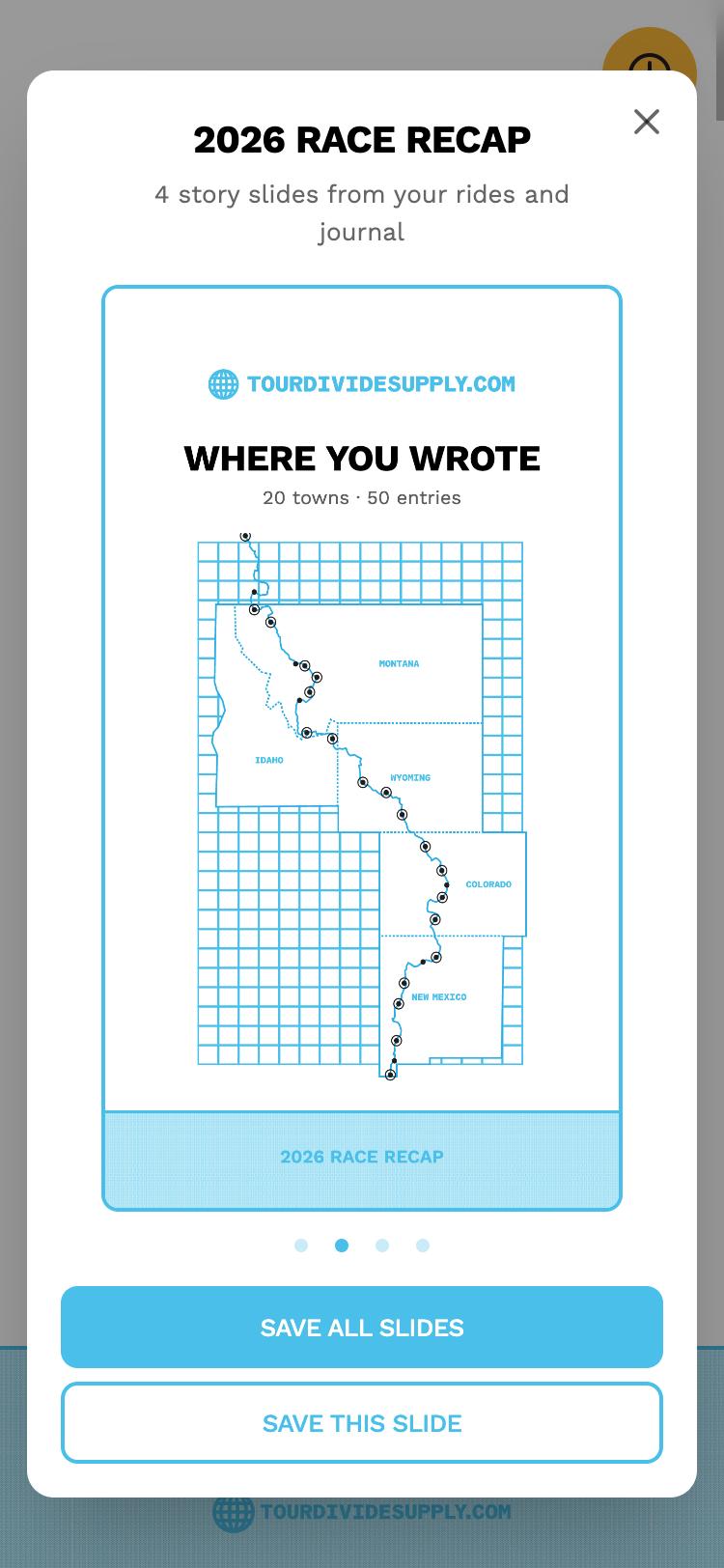
Race Recap
Your ride, ready for your Story
When the ride is done, the app turns it into a set of Instagram Story slides: a cover with your days and entries, a map of the towns you wrote from, a mosaic of your photos, a favorite line from your journal, and your ride by the numbers.
Share them all at once or save them one at a time.
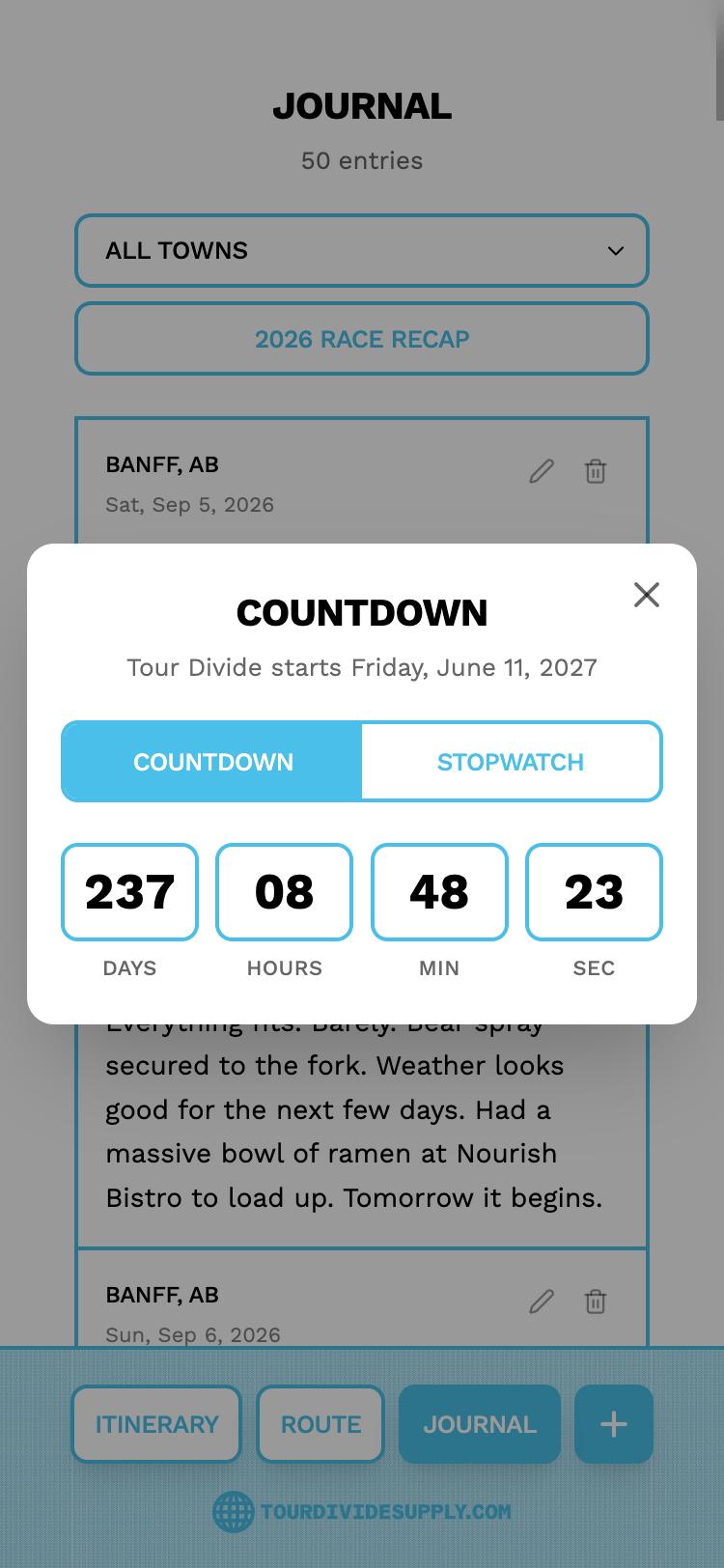
Countdown & Ride Timer
From the start line to the border
A countdown to the Grand Départ, the second Friday in June. Once you roll out, switch to the stopwatch, record the time as you cross into each state, and save the ride as a finish or a scratch.
Built for the backcountry
Made for no signal
Works offline
Once it's on your home screen, the whole app opens without a connection. Placing you on the route is done on the phone, so GPS works where there's no cell service.
Easy on the battery
It finds you once when you open the map, then only when you tap the locate button.
Your data stays yours
Journal entries, photos and resupplies are kept on your phone. Export a backup file any time and import it on a new phone.
Set it up your way
Southbound or northbound, miles or kilometers, and location on or off.
Getting ready for the start?
Build your resupply list on a computer and load it into the app.